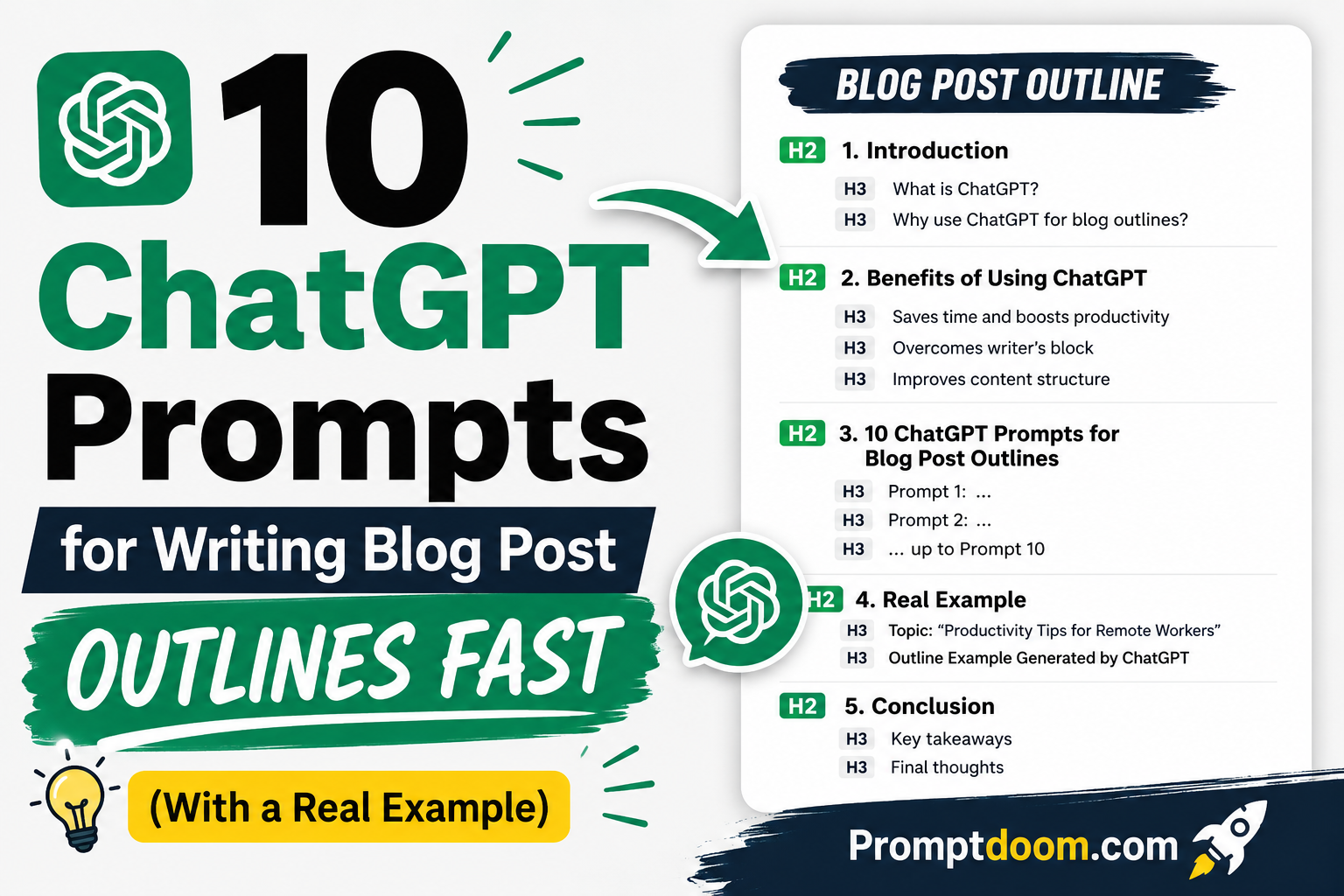
10 ChatGPT Prompts for Writing Blog Post Outlines Fast (With a Real Example)
Staring at a blank document with only a topic and a deadline is one of the most reliable ways to lose thirty minutes before writing a single sentence. The fastest fix isn’t a better writing app or a stronger coffee — it’s skipping straight to structure. A clear outline turns “I need to write about X” into a list of sections you can fill in one at a time, and ChatGPT can build that structure in under a minute, provided the prompt tells it what kind of blog post you’re writing rather than asking for a generic outline.
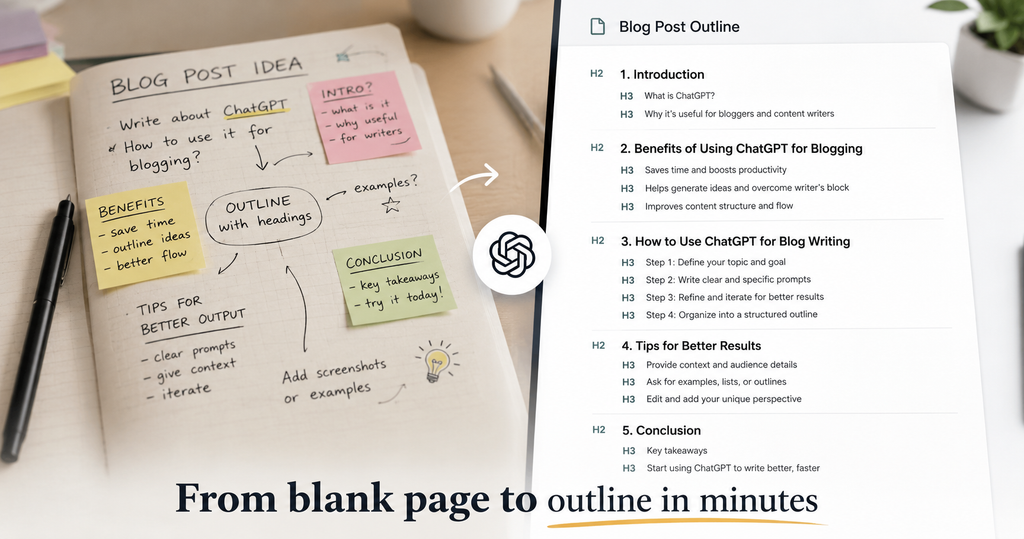
That distinction matters more than most guides on this topic acknowledge. A listicle, a how-to guide, a comparison post, and an opinion piece each have a fundamentally different shape, and a single all-purpose “outline this topic” prompt tends to produce a bland five-section structure that fits none of them particularly well. The 10 prompts below are grouped by post type for that reason, so you can match the prompt to what you’re actually writing instead of editing a generic template after the fact.
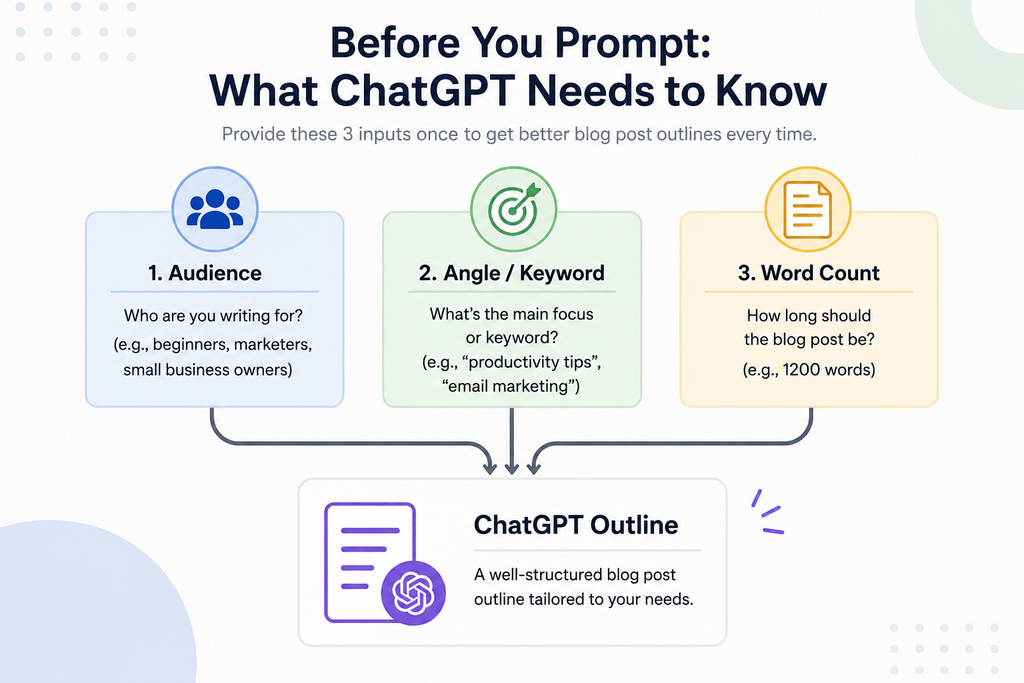
Before You Prompt: What ChatGPT Needs to Know
Every prompt below works better with three pieces of context supplied up front: your target audience (and their existing knowledge level), your primary keyword or angle, and roughly how long the finished post should be. Without these, ChatGPT tends to default to a generic, beginner-level structure regardless of what you’re actually writing. Supplying them takes one extra sentence and noticeably improves the first draft of the outline, often removing the need for a second round of edits entirely.
1. The Universal Starter Prompt
Prompt: “Create a blog post outline for the topic ‘[topic]’, aimed at [audience], covering approximately [word count] words. Include an H1, H2 section headings, and H3 subheadings where useful. Focus on [specific angle or key point of view], and don’t include a generic introduction or conclusion placeholder — just the content sections.”
This is the prompt to reach for when your post doesn’t fit neatly into one of the categories below, or when you want a fast first pass before refining with a more specific prompt.
2. The How-To / Tutorial Outline Prompt
Prompt: “Create a step-by-step outline for a how-to blog post on ‘[topic]’. Structure it as a numbered sequence of steps a reader can follow in order, and flag any step where a common mistake or misconception should be addressed.”
How-to content fails most often when steps are listed out of the order a reader would actually perform them, or when a critical warning gets buried mid-paragraph instead of flagged as its own point. Asking explicitly for sequence and common-mistake flags fixes both.
3. The Listicle Outline Prompt
Prompt: “Create an outline for a listicle blog post on ‘[topic]’ with [number] items. For each item, suggest a short descriptive subheading and one sentence on what that section should cover, so each entry feels distinct rather than repetitive.”
Left unguided, ChatGPT-generated listicles often produce items that overlap heavily in substance. Asking for a one-sentence scope note per item at the outline stage catches that overlap before you’ve written a single paragraph.
4. The Comparison Post Outline Prompt
Prompt: “Create an outline comparing [option A] and [option B] for [audience/use case]. Structure it with a shared set of comparison criteria applied to both, followed by a section on which option suits which type of reader.”
Comparison posts read poorly when each option gets its own separate, unrelated set of pros and cons. Explicitly asking for shared criteria forces a parallel structure that’s genuinely easier for readers to scan and compare.
5. The Beginner’s Guide Outline Prompt
Prompt: “Create an outline for a beginner’s guide to ‘[topic]’. Assume the reader has no prior knowledge, and include a section early on that defines any key terms before they’re used elsewhere in the post.”
The most common failure in beginner content is introducing jargon in section three that isn’t explained until section six. Requesting an early terms/definitions section at the outline stage prevents that ordering problem entirely.
6. The Opinion / Thought Leadership Outline Prompt
Prompt: “Create an outline for an opinion piece arguing that [your position], on the topic of ‘[topic]’. Include a section that fairly presents the strongest counterargument before addressing it, rather than ignoring opposing views.”
Opinion content that never acknowledges a counterargument tends to read as one-sided rather than persuasive. Building the counterargument into the outline itself, rather than adding it later, keeps the finished post more credible.
7. The Data/Statistics-Led Outline Prompt
Prompt: “Create an outline for a blog post on ‘[topic]’ structured around presenting and interpreting data. Include placeholder sections for where a statistic, chart, or study reference should go, without inventing any actual numbers.”
This prompt deliberately asks ChatGPT to mark where data should appear rather than generate the data itself — a structural placeholder is safe to use as a drafting aid; a fabricated statistic is not.
8. The Ultimate Guide / Pillar Post Outline Prompt
Prompt: “Create a detailed outline for a comprehensive guide on ‘[topic]’, long enough to serve as a pillar page. Organise it into major H2 sections with H3 subsections under each, and suggest where internal links to related, more specific articles could naturally fit.”
Pillar content needs a deeper hierarchy than a standard post, and planning internal-link opportunities at the outline stage — rather than retrofitting them after writing — produces a more naturally structured piece.
9. The Problem-Solution Outline Prompt
Prompt: “Create an outline for a blog post that first explains the problem of ‘[problem]’ in detail, then walks through the solution of ‘[solution]’ step by step, ending with how a reader can implement it.”
This structure works particularly well for product-adjacent or service-adjacent content, where establishing the reader’s pain point clearly before presenting the fix increases the odds they read through to the actionable part.
10. The Repurposing Outline Prompt
Prompt: “Here is a rough set of notes/an existing piece of content: [paste notes or content]. Turn this into a structured blog post outline with clear H2/H3 headings, keeping all the original ideas but organising them logically.”
This is the prompt for turning an existing webinar transcript, video script, or scattered notes document into a usable outline, without losing any of the original substance in the process.
- Read Also – Why Chat GPT Sometimes Fails to Generate an Image in 2026 and What Actually Helps
- Claude’s Record-a-Skill: Faster Research, But Who Checks the Judgment?
- How to Write a Marketing Persona Prompt for ChatGPT (With Template)
A Worked Example: Prompt to Outline
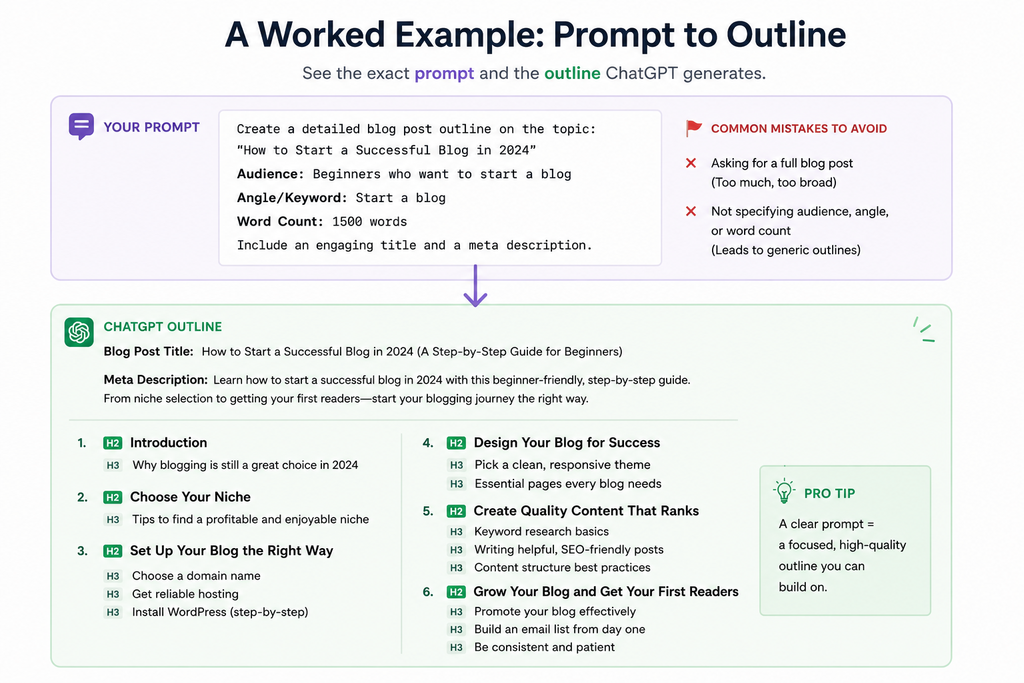
Prompt used: “Create a step-by-step outline for a how-to blog post on ‘setting up a home espresso station on a budget,’ aimed at coffee beginners with no equipment yet. Structure it as a numbered sequence of steps, and flag any step where a common mistake should be addressed.”
Resulting outline:
- Decide your budget range before shopping for equipment
- Choose your grinder first, not your espresso machine (common mistake: buying the machine before the grinder, since grind quality affects taste more than machine price)
- Choose an entry-level espresso machine that matches your grinder
- Buy the minimum accessories you actually need to start (tamper, scale, milk pitcher)
- Learn proper dose and tamp technique before adjusting the grind
- Dial in your grind size using taste, not guesswork (common mistake: changing multiple variables at once, making it impossible to tell what fixed the shot)
- Practice milk steaming separately from pulling shots
- Build a basic daily cleaning routine to protect your equipment
Notice that the outline followed the requested sequence logic and flagged exactly two common-mistake points — no filler steps, no generic introduction placeholder, and no invented product recommendations. That’s the practical payoff of a specific prompt: an outline you can start writing from immediately, rather than one that needs restructuring first.
Making These Prompts Part of a Faster Workflow
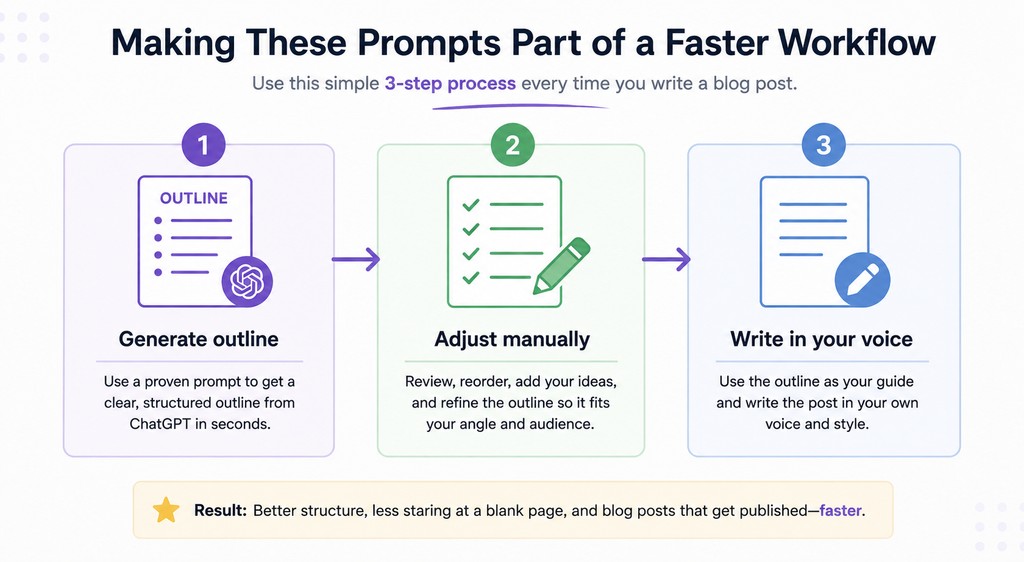
The real time savings from these prompts compound when they become a standing first step rather than an occasional shortcut. A practical routine: generate the outline first using the matching prompt above, skim it for anything that doesn’t fit your angle and adjust it manually rather than re-prompting from scratch, then write directly into the approved structure. This keeps ChatGPT confined to the planning stage, where speed matters most, while keeping the actual sentence-level writing — the part readers notice most — in your own voice.